Honest measurement
We describe what our software actually measures, and where the limits are. Frequative reports relative levels from the Android audio pipeline — we do not dress that up as calibrated instrumentation.
Independent software studio
We build focused, carefully engineered tools for Android. Our first product is Frequative — a real-time audio spectrum analyzer.
The studio
Opulgence is the publishing name of an independent developer. Our focus is a useful analysis tool with clear controls and explicit limits.
We describe what our software actually measures, and where the limits are. Frequative reports relative levels from the Android audio pipeline — we do not dress that up as calibrated instrumentation.
Real-time analysis needs a responsive display. Frequative offers FFT-size and smoothing controls so you can adjust the analysis to your signal and device.
Frequative contains no analytics SDK, no trackers and no advertising. Audio is analysed on the device; Google Play Billing checks subscription availability and ownership.
The product
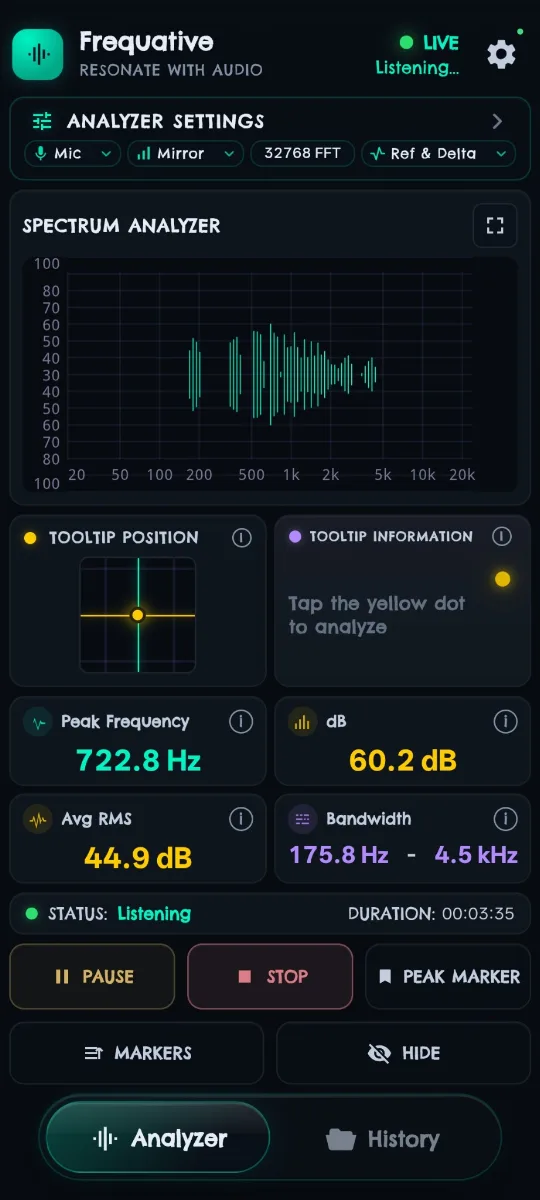
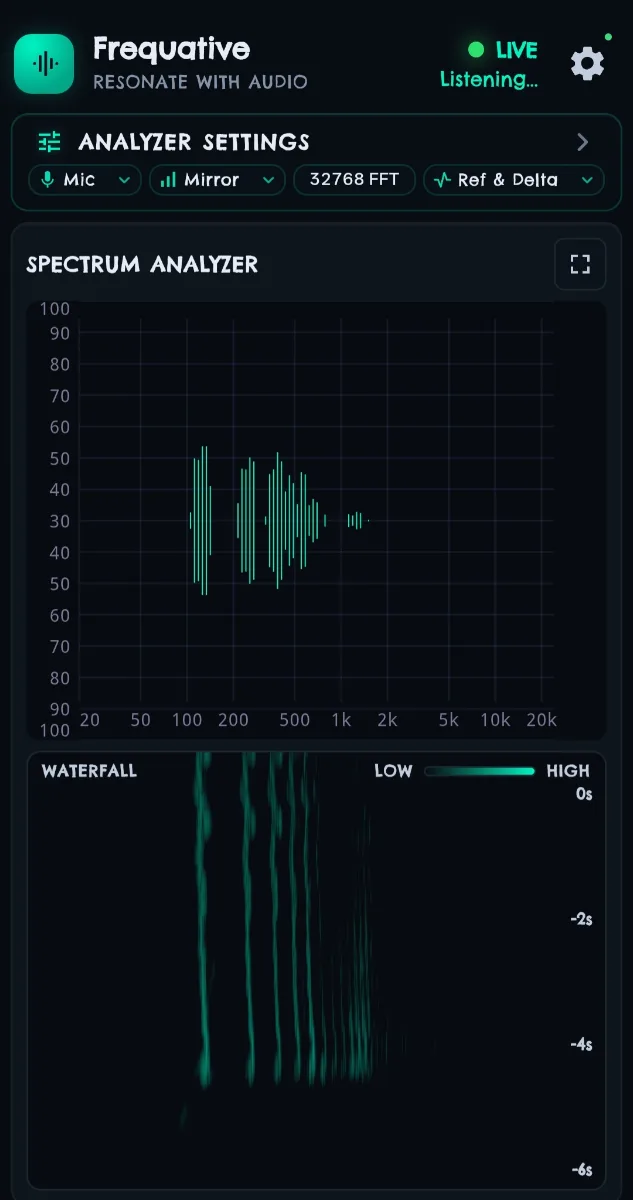
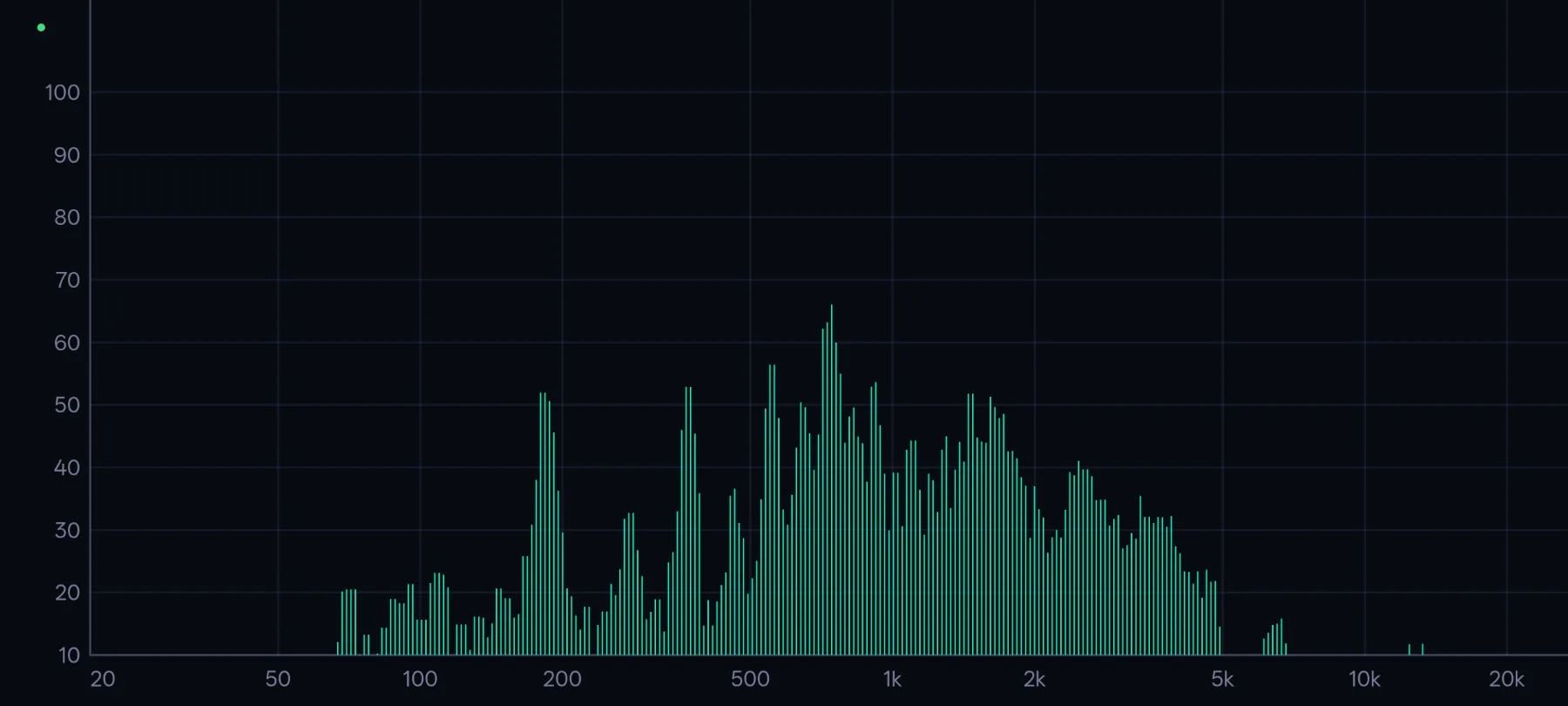
A real-time audio spectrum analyzer for Android. It takes live audio, runs an FFT, and displays the resulting spectrum, with controls for FFT size, smoothing and frequency range.
Analyse the room through the microphone, or capture System Audio directly from playback on supported Android 10+ devices. System Audio analyses eligible playback audio rather than the microphone. It does not record screen pixels; capture depends on Android and the source app’s capture policy.
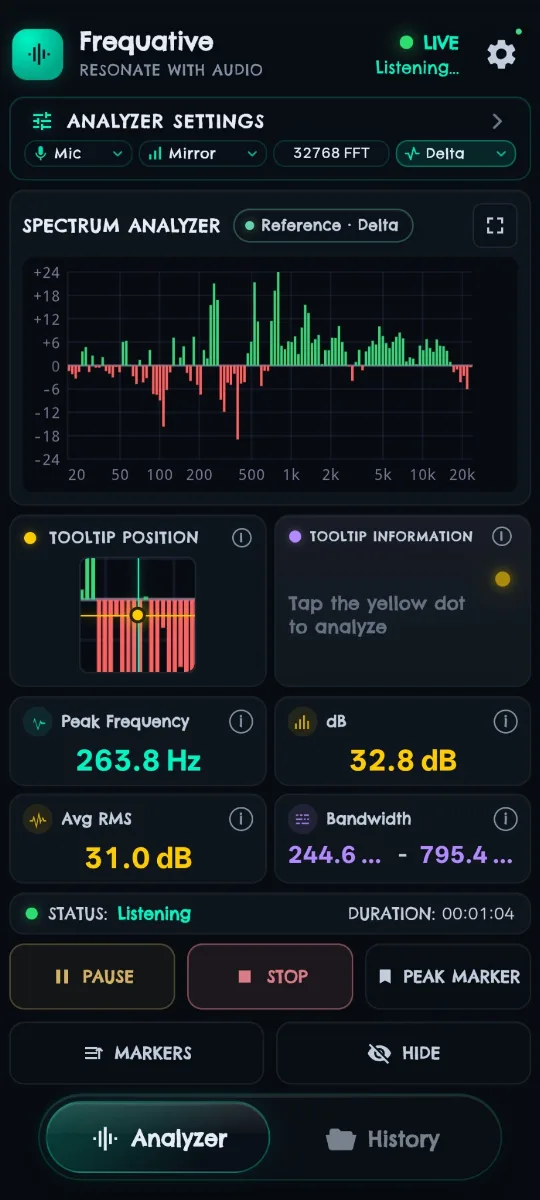
Freeze a Reference spectrum and hold it as a baseline. Compare live audio against it as a ghost overlay, or switch to Delta to read the per-band difference directly.
Capabilities
In the app
Why we build it
Smoothing, averaging and display choices can make a spectrum easier to read, but can also obscure changes or detail. Understanding those choices helps you interpret what is shown.
Frequative exposes controls for FFT size, smoothing and frequency range. Reference captures a spectrum snapshot for comparison with compatible live data. Microphone hardware and Android playback-capture restrictions set limits on what can be analysed.
Get Frequative
Frequative runs on Android. Full details of what is included, and what Frequative Pro adds, are on the product page.
Purchase problems, restoring Pro, and troubleshooting.
What Frequative does and does not do with audio and data.
Terms of use covering the software and subscriptions.